

Best USB‑C Cable for a Monitor: What to Buy
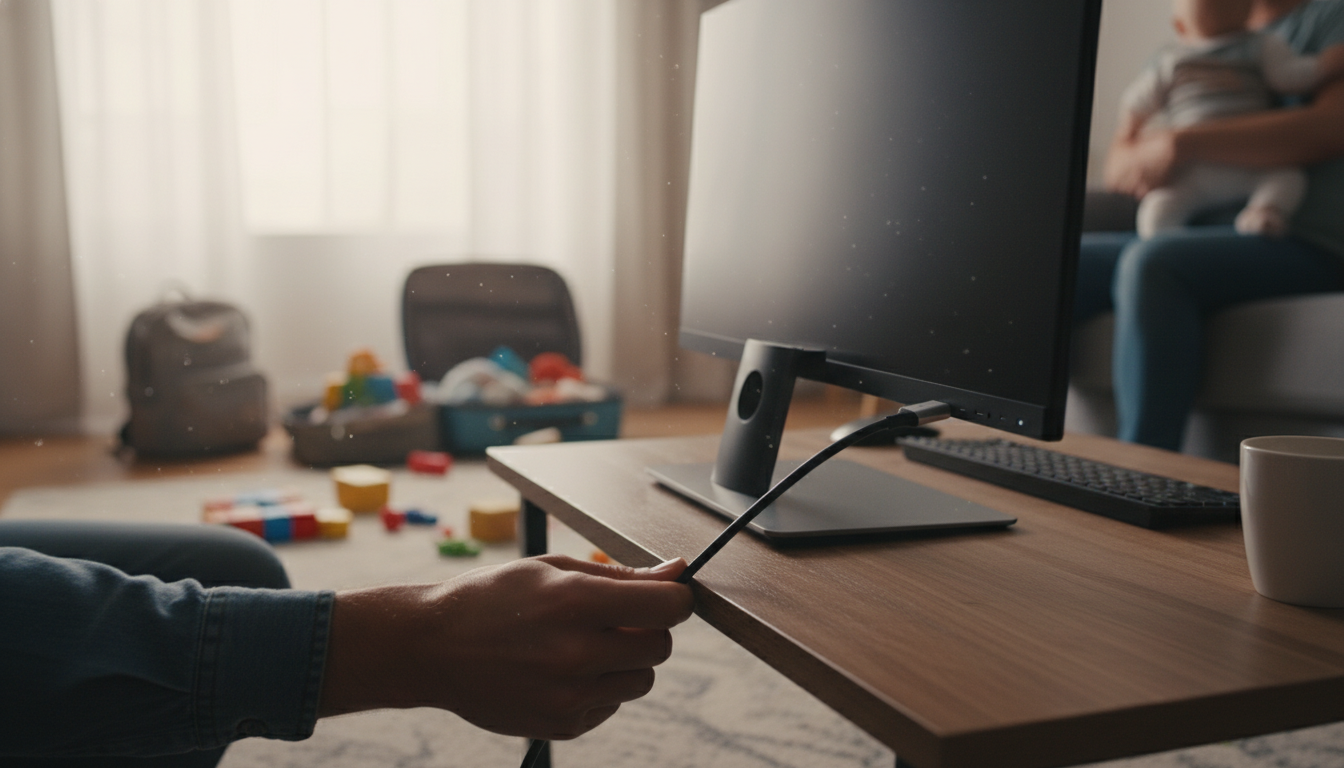
What USB-C cable to connect monitor?
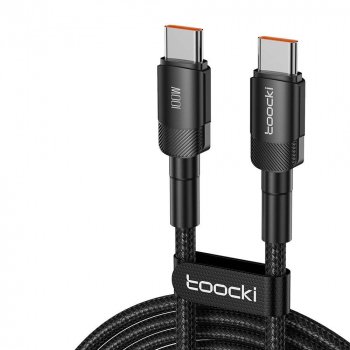
To connect a monitor with USB-C, use a full-featured USB-C cable that supports video (DisplayPort Alt Mode or Thunderbolt) in addition to data and power. Many USB-C cables are “charge-only” or “USB 2.0” and won’t carry a display signal, even though the connectors look identical. The right choice depends on what your monitor and computer’s USB-C ports actually support.
How to choose the right USB-C cable for a monitor
1) Confirm your ports support video over USB-C
Look for a USB-C port labeled with a DisplayPort icon, “DP,” “Alt Mode,” or “Thunderbolt.” If the port doesn’t support video output, no cable will make the monitor work over USB-C. Many laptops have one video-capable USB-C port and other USB-C ports meant for charging/data only.
2) Match the cable type to your setup
USB-C to USB-C (video-capable) is the most common for modern monitors with USB-C input. If your monitor is Thunderbolt-only or you want maximum compatibility, a Thunderbolt 3/4 USB-C cable is a safe pick for video plus high-speed data. If you’re connecting to a monitor using HDMI or DisplayPort (not USB-C), you’ll typically need a USB-C to HDMI or USB-C to DisplayPort adapter/cable instead.
3) Don’t overlook power delivery (charging) needs
If you want the monitor to charge your laptop while displaying video, pick a cable rated for the wattage your laptop needs (commonly 60W or 100W). For longer runs, stick to reputable, properly rated cables—some high-wattage cables may trade off data speed, but video support must still be explicitly included.
4) Check cable length and certification
Shorter cables tend to be more reliable for high-bandwidth video. For best results, choose a certified cable (USB-IF or Thunderbolt certified) when possible, especially if you’re pushing higher resolutions or refresh rates.
For a deeper breakdown of selecting a robust USB-C to USB-C option (including 100W charging considerations), see the guide here: https://splendena.com/guide-100w-usb-c-to-usb-c-cable-pd-3-0-qc-4-0-guide/.
FAQ
Will any USB-C cable work with a USB-C monitor?
No. The cable must support video over USB-C (DisplayPort Alt Mode or Thunderbolt); many USB-C cables only support charging and basic data and won’t transmit a display signal.











Leave a comment