

Set Up Your First Zapier Zap: Small Business Steps
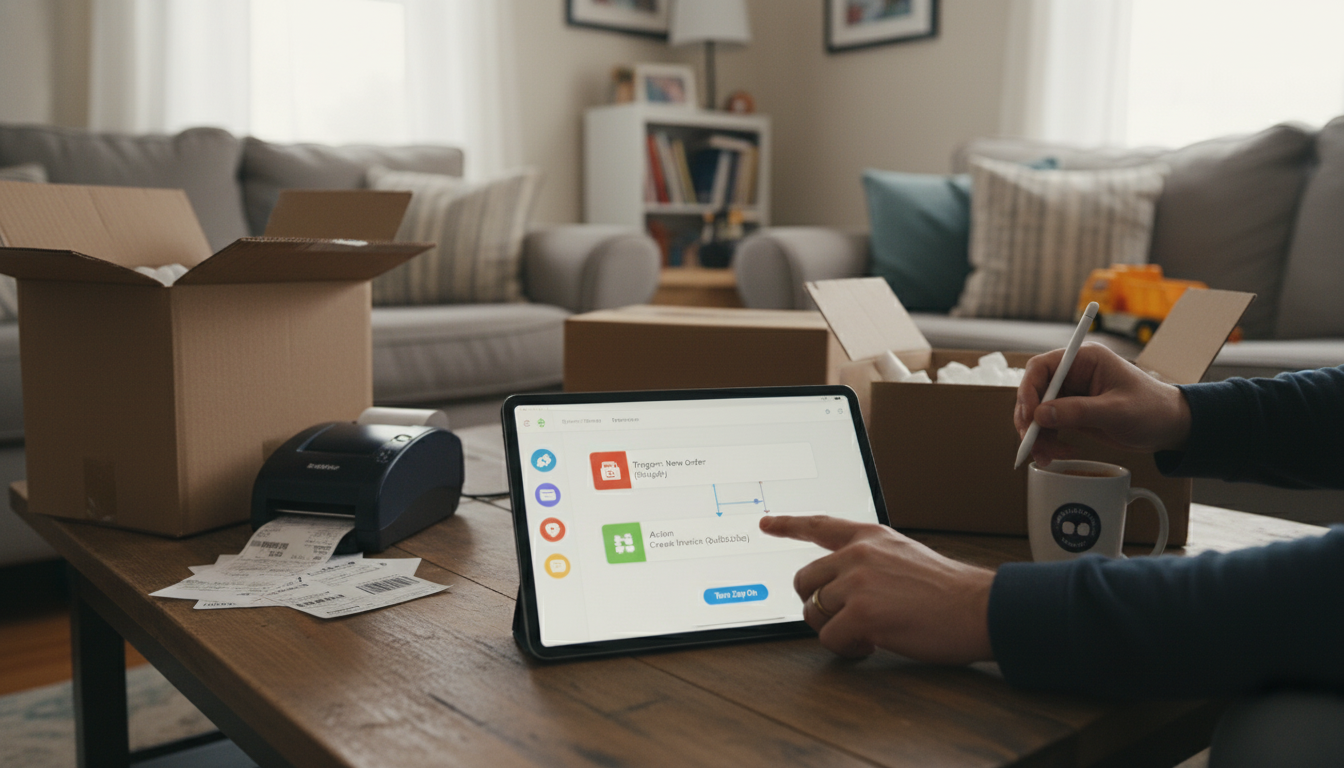
How do you set up your first Zap in Zapier step by step for a small business workflow?
Setting up your first Zap is easiest when you start with one simple, repeatable task—like saving new leads, sending confirmations, or posting order alerts. Here’s a clean step-by-step setup that works for most small business workflows.
1) Pick one workflow and name your Zap
In Zapier, click “Create Zap.” Give it a name that matches the outcome (example: “New Typeform Lead → Google Sheets + Slack”). Clear names make troubleshooting faster later.
2) Choose your Trigger app and event
Select the app where the workflow starts (Trigger), such as Gmail, Shopify, Calendly, Stripe, or a form tool. Choose the specific trigger event (like “New Order,” “New Email Matching Search,” or “New Form Submission”), then connect your account.
3) Test the Trigger and pull in sample data
Zapier will ask you to test the trigger to fetch a recent real example. This sample is what you’ll map into the next steps, so ensure it includes the fields you actually need (name, email, order ID, etc.).
4) Add your Action step(s)
Choose what should happen next (Action), like “Create Spreadsheet Row,” “Create/Update Contact,” or “Send Channel Message.” Map fields from the trigger into the action (for example, map “Email” to the CRM email field). Add more actions if needed, but keep your first Zap lean.
5) Add optional filters, paths, or formatting
If you only want the Zap to run sometimes (e.g., only for “Paid” orders), add a Filter step. If you need cleanup like splitting first/last names or formatting dates, use Formatter. Save these upgrades for after the basic Zap runs correctly.
6) Test each action, then turn the Zap on
Run Zapier’s test for every step to confirm the data lands where you expect. Once everything looks right, switch the Zap to “On” and let it run live.
For practical workflow ideas and real examples, follow the playbook here: https://splendena.com/guide-zapier-workflow-playbook-for-busy-solopreneurs/.
FAQ
What are some good first Zaps for a solopreneur to automate?
Start with one-step wins: send new form leads to a spreadsheet, create a CRM contact from an order, post “new booking” alerts to Slack, or save invoice PDFs to cloud storage. The best first Zap removes a task you currently do every day or every week.











Leave a comment