


Phone Settings to Boost Focus and Cut Distractions
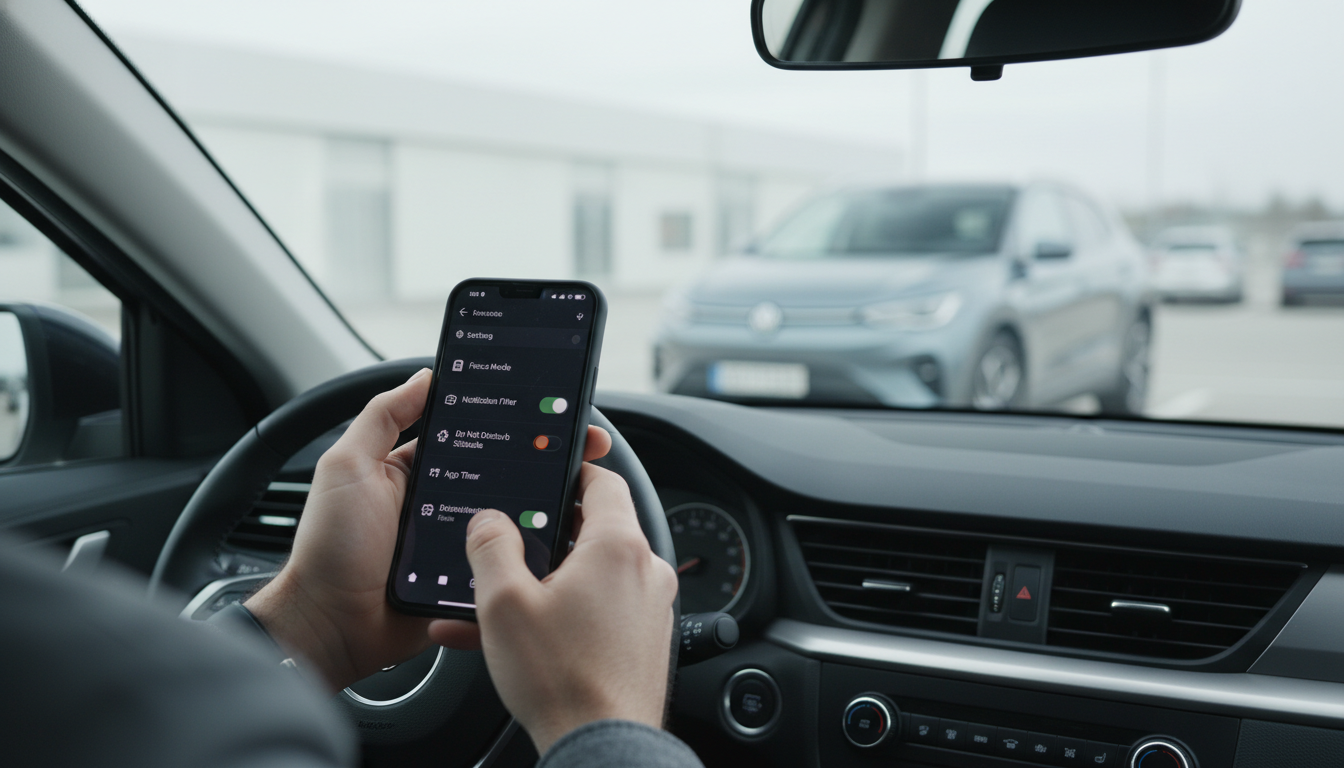
What are the best phone settings to improve focus and reduce distractions?
Turn on Focus or Do Not Disturb (and schedule it)
Use your phone’s Focus modes (iPhone) or Do Not Disturb/Focus Mode (Android) to silence notifications while still allowing what matters. Create a “Work” or “Study” profile that permits calls from favorites, calendar alerts, and priority apps only. Scheduling it (for example, weekdays 9–12 and 1–5) prevents decision fatigue and keeps the routine consistent.
Customize notifications instead of letting them customize you
Go app by app and disable “time-sensitive” distractions: marketing pings, social likes, news breaking alerts, and game prompts. Keep only high-value notifications such as messages from family, delivery updates, banking security, and reminders. For apps you must keep, switch them to “Deliver quietly,” remove badges, and turn off sounds so they don’t hijack attention.
Reduce visual triggers: home screen, badges, and Lock Screen
Move distracting apps off the first home screen and into a single folder on the last page. Remove notification badges for social and shopping apps; the red numbers are designed to pull you back in. Simplify the Lock Screen to essentials (time, calendar, weather) so you aren’t greeted by attention-grabbing widgets.
Use Screen Time/Digital Wellbeing limits and downtime
Set daily limits for high-scroll apps and a nightly Downtime window that blocks them after a set hour. Add a short “cool-down” window for breaks (like 10–15 minutes) so you can decompress without falling into an hour-long rabbit hole. Use app timers as guardrails, not punishment—adjust weekly based on real needs.
Make it harder to multitask
Disable notification previews on the Lock Screen, turn off “raise to wake,” and consider grayscale (Accessibility settings) during deep work to make the screen less enticing. If you constantly bounce between apps, limit background refresh and close your browser tabs to reduce “just checking” behavior.
For more step-by-step guidance and additional options to tailor your phone for concentration, visit the full guide here.
FAQ
How can I stop picking up my phone out of habit?
Keep your phone out of arm’s reach during focused tasks and set a specific “check-in” schedule (like once every hour). Pair that with removing badges and putting distracting apps on the last screen so the default path is friction, not scrolling.










Leave a comment