How to Choose the Best E-Reader for Your Reading Life
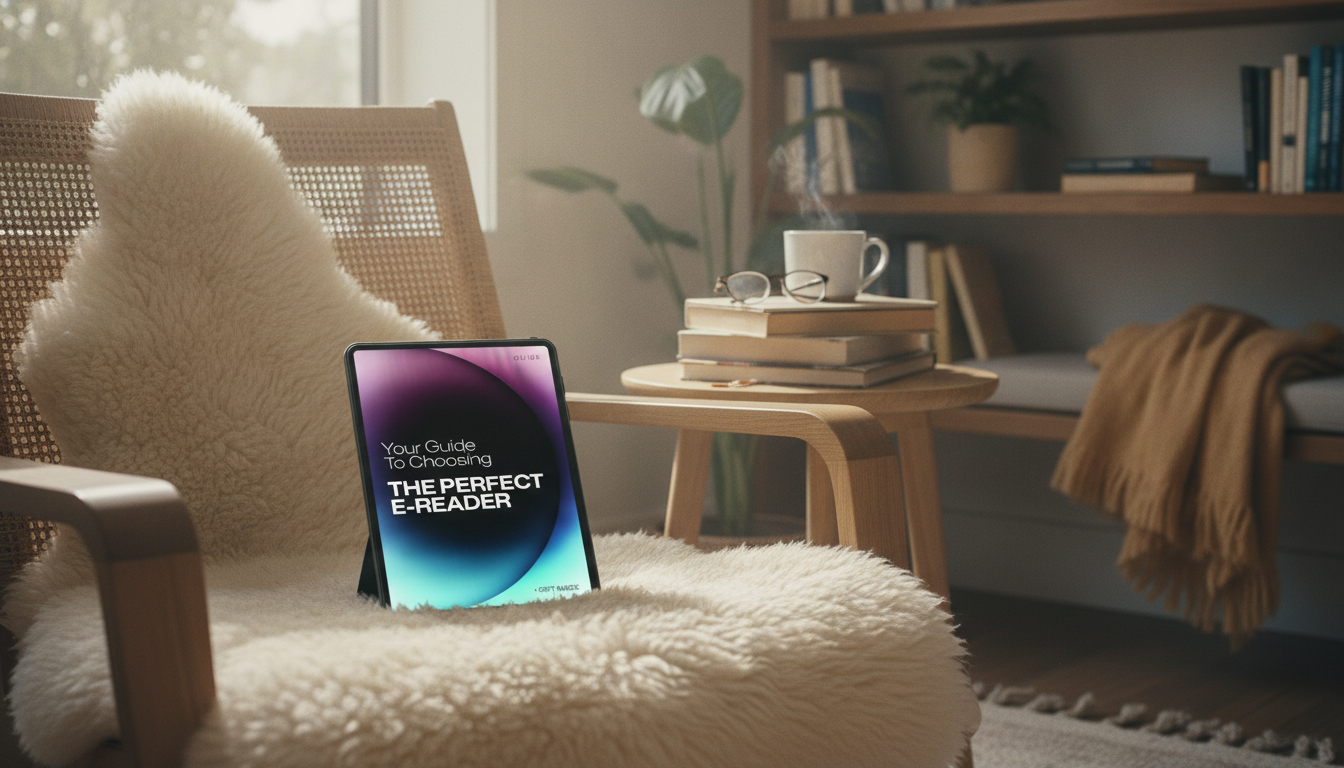
Your Guide to Choosing the Perfect E-Reader: A Comprehensive Digital Guide for Readers
The right e-reader should feel effortless: comfortable to hold, easy on the eyes, and built around the way reading actually fits into daily life. This guide breaks down the key features that matter—screen technology, lighting, formats, library access, and battery life—so it’s easier to pick a device that matches reading habits and budget. For more guidance, see A Student’s Guide to Choosing the Perfect E-Reader.
Start With How and Where Reading Happens
Before comparing specs, get specific about your reading routine. The best device on paper can feel wrong if it doesn’t match your daily context. For further reading, see BEST BOOK READER TABLETS.
- Commute and travel: prioritize lightweight designs, strong battery life, and durable cases/sleeves that handle bags and tight spaces.
- At home or in bed: prioritize warm front lighting, easy brightness controls, and page-turn ergonomics (especially if you read one-handed).
- Outdoor reading: prioritize matte E Ink screens and higher contrast for glare-free daylight use.
- Reading volume: frequent readers benefit most from better lighting, faster performance, and comfortable grips over “nice-to-have” extras.
- Comfort basics: consider hand size, bezel thickness, button placement, and how stable the device feels during long sessions.
Screen Technology and Size: E Ink vs. LCD
Screen type shapes comfort more than almost any other choice. If your primary goal is reading for long stretches, E Ink is usually the most natural fit. If your reading is mixed with apps and media, a tablet-style LCD can be convenient—just not always as relaxing.
- E Ink (electronic paper): designed for reading—highly legible in sunlight and typically easier on eyes for long sessions. Learn more from E Ink’s technology overview.
- LCD/LED tablets/phones: good for color content and apps, but often more reflective outdoors and can be more fatiguing for long reading.
- Size guidance: ~6″ for portability; ~7–8″ for a roomier page; ~10″ for PDFs, textbooks, and note-heavy workflows.
- Resolution: higher pixel density improves crispness, especially for small fonts and detailed typography.
- Refresh and responsiveness: newer E Ink devices reduce ghosting and improve menu navigation speed.
Quick match: screen choice by reading type
| Reading type | Best screen choice | Why it fits |
|---|---|---|
| Novels and long-form reading | E Ink (6–8″) | Comfortable for hours, glare-free, long battery life |
| Manga and comics | Larger E Ink (7–10″) or color-capable device | More panel space; color helps when available |
| PDFs, textbooks, documents | 10″ class device | Less zooming and panning; better layout fidelity |
| Cookbooks, magazines, web-heavy content | Tablet (LCD) or larger device | Color and fast scrolling for mixed media |
Front Lighting, Warmth, and Night Reading
Lighting is where “good enough” devices separate from ones you’ll happily use every night.
- Front light vs. backlight: many e-readers use a front light that illuminates the screen surface rather than shining directly into eyes.
- Warm light: reduces the harshness of cool white light for evening reading and can feel gentler for sensitive eyes.
- Brightness range: look for a low minimum brightness so the screen isn’t glaring in a dark room.
- Auto-adjust and scheduling: helpful if reading shifts from daylight to evening frequently.
- Dark mode: useful for some readers, but readability varies by device and font settings.
Books, Formats, and Where Content Comes From
E-readers can be deceptively different in what they support. A little checking up front prevents buying a device that fights your library.
- Check format support: EPUB is widely used; some ecosystems emphasize proprietary formats; PDFs are common but can be awkward on small screens. For a deeper look at EPUB, see the W3C EPUB 3 overview.
- Library borrowing: confirm compatibility with local library apps/services and regional availability. OverDrive’s help center is a practical starting point: Getting Started with library ebooks and audiobooks.
- DRM considerations: some purchased books may be locked to specific apps/devices, limiting future flexibility if you switch platforms.
- Audiobooks: verify Bluetooth support and whether the device supports the audiobook platform used most often.
- Cloud syncing: useful for reading across phone, tablet, and e-reader while keeping place and notes consistent.
Storage, Battery, and Performance Basics
Specs matter most when they remove friction: faster browsing, smoother highlighting, and fewer “low battery” surprises.
Comfort Features That Make Reading Easier
A Simple Shortlist: Matching Devices to Readers
Digital Companion: A Detailed E-Reader Decision Guide
Helpful Extras for Screen-Time Comfort (In Stock)
- Naturally Awake: Puffy Eye Solutions – Natural Remedies for Puffy Eyes Guide ($6.99) for readers who want practical, low-effort routines to feel more refreshed after late-night chapters.
- 125mm F10 Schmidt-Cassegrain Computerized GoTo Astronomical Telescope with StarBright XLT ($2727.59) for anyone building a quiet evening ritual—reading sessions paired with stargazing breaks can help reduce continuous screen focus.
FAQ
Is an e-reader better than a tablet for reading books?
For long reading sessions, E Ink e-readers are often more comfortable, with less glare and significantly longer battery life. Tablets are better for color content, apps, and browsing, so the best choice depends on whether you mostly read books or mix reading with multimedia.
What screen size is best for novels, manga, and PDFs?
For novels, 6–7″ is easy to carry and comfortable for most text. Manga tends to feel better on 7–8″ screens, while PDFs and textbooks are usually best on ~10″ devices to reduce zooming and panning.
Can e-readers borrow library books?
Many can, but it depends on the device ecosystem, supported formats, and what services your local library uses. Check compatibility with services like OverDrive/Libby in your region before choosing a device.








Leave a comment