


Digital Mindfulness Checklist for Focused, Productive Days
What digital mindfulness looks like in real life
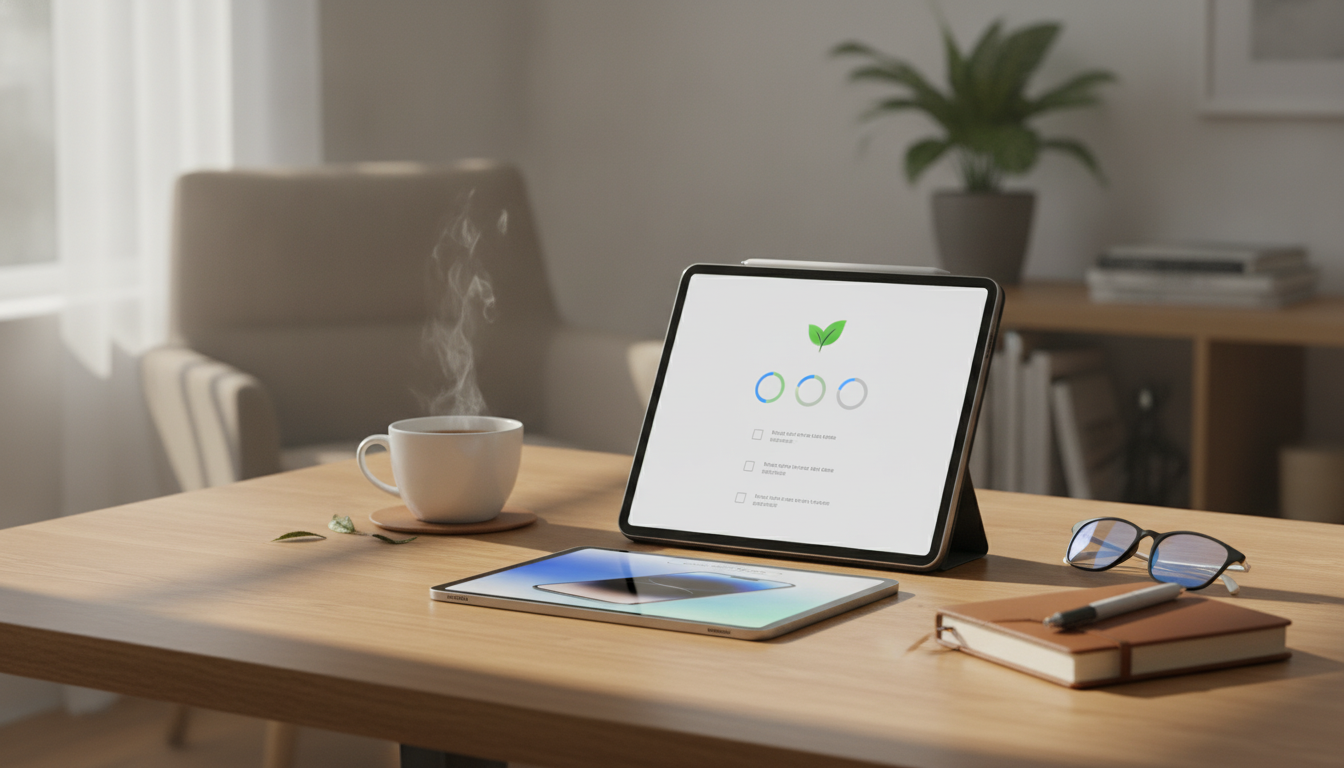
Digital mindfulness is less about quitting the internet and more about using it with clear intent—so attention goes where you actually want it to go. In practice, it looks like starting and stopping your online sessions on purpose, instead of default-checking whenever there’s a spare moment.
It also means noticing the triggers that pull you into “just one minute” behavior: boredom between tasks, stress after a difficult email, awkward pauses in conversation, or the urge to self-soothe with quick hits of novelty. Once those patterns are visible, you can reduce cognitive clutter—fewer tabs, fewer notifications, and fewer open loops that keep your brain half-working even when you’re away from the screen.
Mindful online time balances connection and concentration. Rather than being constantly available, you create communication windows that protect focus while still keeping you responsive. And when it’s time to recover, you choose breaks that restore attention (movement, water, a few breaths, daylight) instead of fragmenting it with endless feeds.
Set up your checklist system in 10 minutes
A checklist works because it removes decision fatigue. You’re not negotiating with yourself all day—you’re following a lightweight routine.
- Pick a format: print it for visibility, or keep one pinned note you duplicate daily.
- Choose two anchor moments: start-of-day and end-of-day (or start/end of each work block).
- Define 1–3 non-negotiables: no phone during meals, notifications off during focus blocks, or a nightly cutoff time.
- Create a “parking lot”: one place to capture links and tasks (so they don’t live in tabs).
- Decide your success metric: focus blocks completed, fewer pickups, or fewer context switches.
Keep the first version simple. If it feels “too easy,” that’s a feature: consistency beats complexity.
Mindful online time habits checklist (daily essentials)
Use this as a daily baseline, then customize it for your biggest distraction patterns.
- Before opening apps: write a one-sentence purpose (what you’re doing and why).
- Single-task rule: one primary tab/app per focus block; close or minimize the rest.
- Notification hygiene: disable non-urgent alerts; allow only people/tools that matter.
- Intentional check-ins: schedule specific times for email/messages/social instead of grazing.
- Stop cues: set a timer or alarm for planned end times to prevent “time leak.”
- Micro-pauses: take 3 breaths before switching tasks to reduce impulsive hopping.
- End-of-session closeout: capture next steps, log key outcomes, then fully exit.
Example day plan using mindful check-ins
| Time block | Default temptation | Mindful replacement | Checklist cue |
|---|---|---|---|
| Start of day (5 min) | Open inbox/social immediately | Set 1–3 priorities, then choose first task | Write purpose + start timer |
| Focus block (25–90 min) | Tab hopping and notifications | Single task + do-not-disturb | One tab/app rule |
| Break (5–15 min) | Endless scrolling | Walk, stretch, water, daylight | No-feed break option |
| Message window (10–20 min) | Constant checking all day | Batch replies, then close apps | Inbox closed after send |
| End of day (5–10 min) | Keep tabs open “for later” | Capture next steps and shut down | Closeout note + exit |
Customize the checklist to your biggest attention drains
Different online traps require different guardrails. Choose the section that matches your most common “leak,” and implement just one change at a time.
- If social feeds are the issue: remove shortcuts, log out after sessions, set a daily cap, and replace scrolling with a “connection list” (people you’ll message directly).
- If messaging interrupts work: create status windows, use auto-replies/status indicators, and move non-urgent chats to designated times.
- If news is the issue: choose one trusted source, one window per day, and stop after the headline summary.
- If videos are the issue: disable autoplay, use a “watch list” (saved items only), and pre-set an end timer.
- If shopping is the issue: add items to a list, wait 24 hours, and reserve checkout for a weekly window.
Build digital boundaries that hold under stress
When you’re tired, stressed, or rushed, willpower gets expensive. The most reliable boundaries are the ones supported by environment and friction.
For a deeper look at mindfulness as a skill (not just a mood), see the American Psychological Association overview of mindfulness or the NIH NCCIH guide to meditation and mindfulness.
Track progress without perfectionism
It can also help to understand how digital experiences are designed to compete for attention; Stanford’s work in behavior design and persuasive technology explains why “just don’t scroll” can feel harder than it should.
Use a ready-to-go checklist template
- 125mm F10 Schmidt-Cassegrain Computerized GoTo Astronomical Telescope with StarBright XLT (a structured hobby that naturally replaces late-night doomscrolling with focused observation).
- Little Angel 28cm Fashion Doll with Mechanical Joint Body (a hands-on, creative reset that keeps your hands busy without notifications).
- Naturally Awake: Puffy Eye Solutions – Natural Remedies for Puffy Eyes Guide (a practical complement if long screen days leave you looking as tired as you feel).
FAQ
How long does it take to notice results from digital mindfulness?
Many people feel immediate relief after silencing non-essential notifications. Deeper focus gains typically show up after 1–2 weeks of consistent focus blocks and scheduled check-ins.
Should notifications be turned off completely?
A middle path usually works best: allow urgent people and essential tools, silence everything else, and rely on scheduled check-in windows. Adjust settings to match your responsibilities and any anxiety triggers around missing messages.
What if work requires being online all day?
The goal is fewer context switches, not less internet use. Time-blocking, single-tasking, communication windows, and a quick end-of-session closeout can create focus even when you’re online continuously.










Leave a comment