
How to Create a Sticker Label: Size, Design, Material
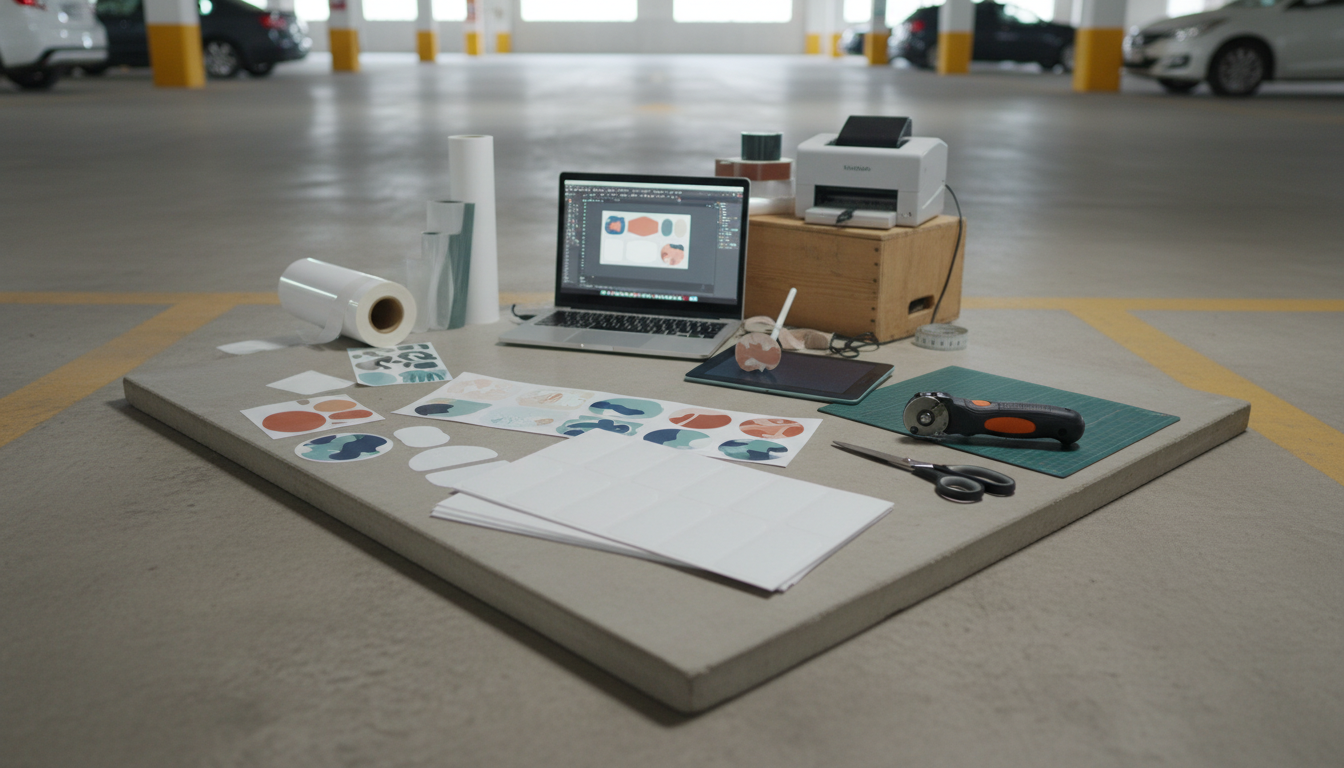
How to create a sticker label
Creating a sticker label is a quick way to organize a pantry, identify cables, brand packaging, or add a professional touch to gifts and shipments. The process is mostly about getting three things right: the label size, the design, and the material so it sticks well on the surface you’re labeling.
1) Choose the label type and size
Start by measuring the space where the label will go. For jars and bottles, a narrow label often looks cleaner; for boxes and bins, a wider format is easier to read from a distance. Decide whether you need removable labels (great for temporary storage) or permanent adhesive (better for shipping and long-term use).
2) Create your label design
Keep it readable first: a clear font, strong contrast (dark text on a light background), and enough margin so nothing gets cut off. Add a simple icon or line to separate details if you’re including more than one piece of information (like “Flavor” and “Date”). For product labels, make sure required details (ingredients, warnings, or batch/date fields) have a dedicated spot before adding decorative elements.
3) Pick the right material
Paper labels are ideal for dry, indoor use. For kitchens, bathrooms, or refrigerated items, consider waterproof or oil-resistant label stock so the print doesn’t smear and the edges don’t peel. If labels will be handled frequently, a matte laminate or durable synthetic material helps them last longer.
4) Print and cut cleanly
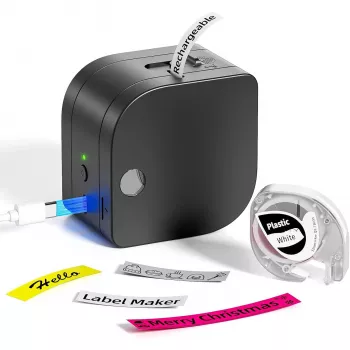
Use the correct print settings for your label stock (often “labels” or “high quality”). Test-print on plain paper to confirm spacing, then print on the actual label material. If you’re using a label maker, an integrated cutter makes it easy to produce consistent edges and faster batches.
5) Apply without bubbles
Clean the surface with rubbing alcohol and let it dry. Apply from one edge to the other while smoothing with your thumb or a card. For curved surfaces, smaller labels or flexible material typically adheres better.
For a step-by-step walkthrough using a Bluetooth label maker with a built-in cutter, see the full guide here: https://splendena.com/guide-bluetooth-label-maker-with-built-in-cutter/.
FAQ
What is the best material for waterproof sticker labels?
Choose waterproof synthetic label stock (like vinyl or polyester) and pair it with waterproof-compatible ink or thermal printing. For extra durability, use a laminate or clear protective overlay, especially for items exposed to moisture or frequent handling.








Leave a comment