

Compare E-Readers for Note-Taking: Key Features
What features should I compare when choosing an e-reader for note-taking and highlighting?
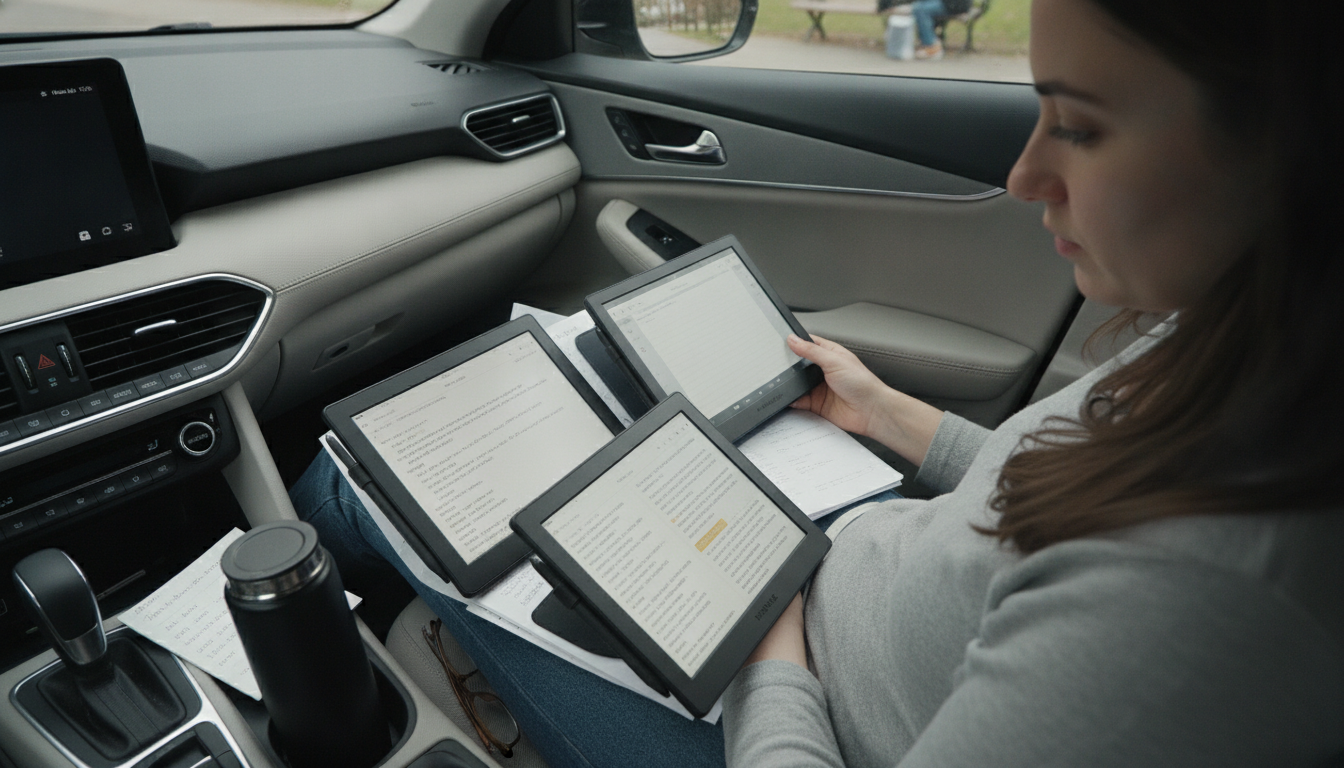
If annotating is the whole point, compare e-readers the way you’d compare notebooks: how natural they feel, how fast they keep up, and how easy it is to find what you wrote later. The best choice depends on whether you mainly highlight, type notes, handwrite, or need everything to sync across devices.
Answer
1) Stylus support and writing feel
Look for low-latency pen input, palm rejection, pressure sensitivity, and a textured screen layer if handwriting matters. Also check stylus availability, replacement nib cost, and whether the pen charges magnetically or needs batteries.
2) Highlighting and annotation tools
Compare highlight colors, underline options, shapes, and whether you can attach notes to highlights. Some devices let you draw in margins or annotate PDFs freely; others limit notes to pop-up text boxes.
3) File compatibility (EPUB vs. PDF)
If you mark up textbooks, research papers, or forms, PDF performance is crucial: fast zooming, reflow options, cropping margins, and multi-page navigation. For novels, make sure EPUB/Kindle formats support clean highlights and exports.
4) Export, search, and organization
Great note-taking isn’t helpful if you can’t retrieve it. Check if you can export highlights/notes to email, text, PDF, or third-party apps, and whether handwriting converts to text. Searchable notes, tags, folders, and notebook structure save time later.
5) Screen size, resolution, and lighting
Larger screens (10″+) are easier for PDFs and split view, while 7–8″ is more portable. Prioritize crisp resolution and an adjustable front light with warm tones for long sessions.
6) Battery, storage, and speed
Annotation-heavy use can drain batteries faster than plain reading. Compare real-world battery life, internal storage for large PDFs, and processor responsiveness when switching pages or opening big files.
For a deeper breakdown and buying tips, visit the full guide on e-reader features for note-taking and highlighting.
FAQ
Is an e-ink tablet better than a traditional e-reader for PDFs?
Often yes, because larger e-ink tablets typically handle PDF zooming, cropping, and pen annotations more smoothly. If you mostly read PDFs or need handwriting in the margins, a bigger screen and stronger note tools usually matter more than portability.











Leave a comment