

Taking Still Photos With a Digital Camcorder: What to Expect
Can you take pictures with a digital camcorder?
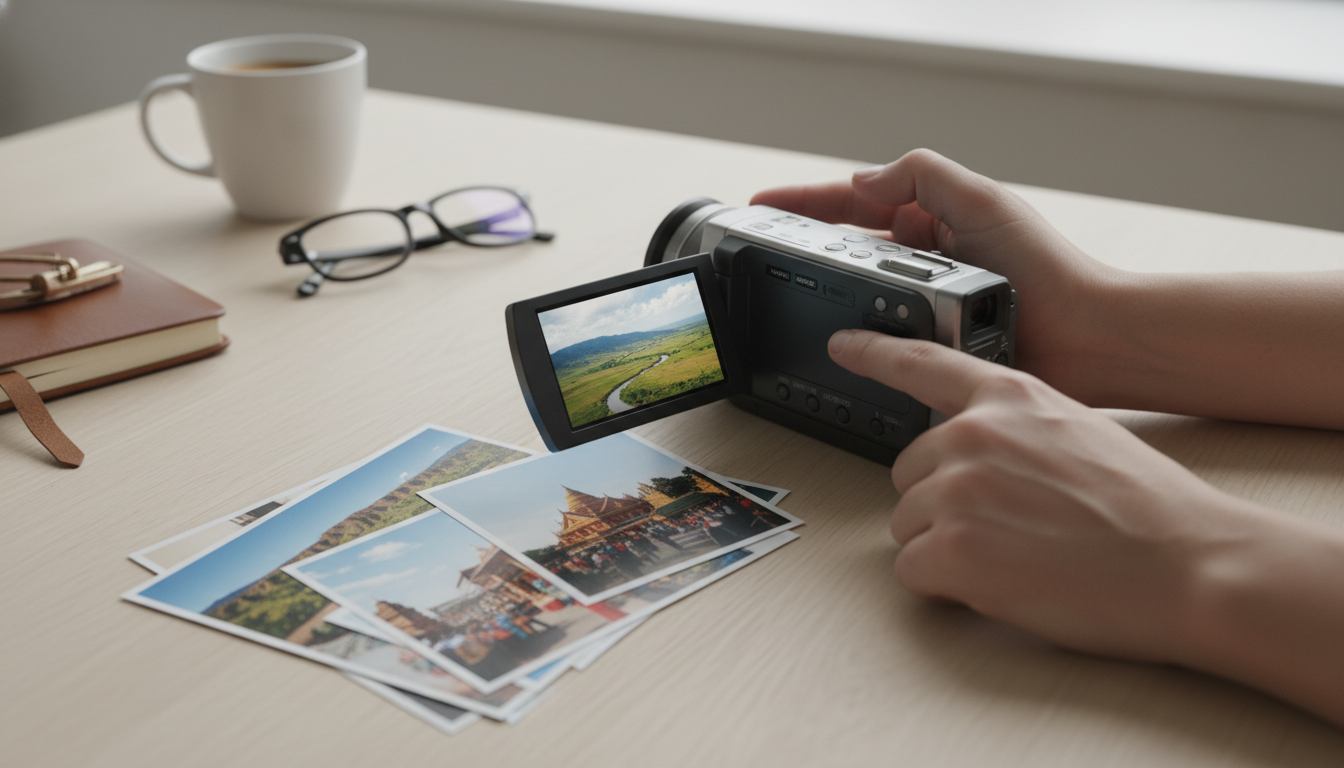
Yes—many digital camcorders can take still photos in addition to recording video. The exact quality and options depend on the model, but most consumer camcorders include a “Photo” or “Snapshot” mode that captures a single frame as a JPEG (or similar) file.
How still photos work on a camcorder
When you press the photo/shutter button, the camcorder either takes a dedicated still image or grabs a high-quality frame from the video sensor readout. Some models save full-resolution stills, while others save a smaller image size optimized for quick sharing.
What kind of photo quality to expect
Camcorders are tuned for smooth video—fast autofocus during recording, stable exposure changes, and strong stabilization. That can mean the still-photo results vary: good in bright light, softer in low light, and sometimes less detailed than a similarly priced dedicated camera. If your camcorder lists a still-photo megapixel rating, treat it as a ceiling; lens quality, sensor size, and lighting matter just as much.
Common photo features you may (or may not) get
Depending on the camcorder, you might have flash (often limited), face detection, burst shooting, self-timer, or manual controls like ISO/shutter/aperture. Higher-end models may support RAW-like options less frequently than photo-focused cameras, but they can still be very capable for casual snapshots—especially outdoors or in well-lit rooms.
Tips for better stills from a camcorder
For sharper photos, add light when possible, hold steady (or use a tripod), and avoid heavy digital zoom. If your camcorder supports optical zoom, use that instead of digital. Also, check whether it offers a dedicated photo mode separate from video recording—photo mode often allows higher-resolution capture.
For model-specific details, supported formats, and feature comparisons, see the full guide here: Can you take pictures with a digital camcorder?
FAQ
How do you transfer camcorder photos to a phone or computer?
Most camcorders transfer photos via USB, by removing the SD card and using a card reader, or through built-in Wi‑Fi on compatible models. Once connected, the photos typically appear as standard image files you can copy into your photo library or a folder.










Leave a comment